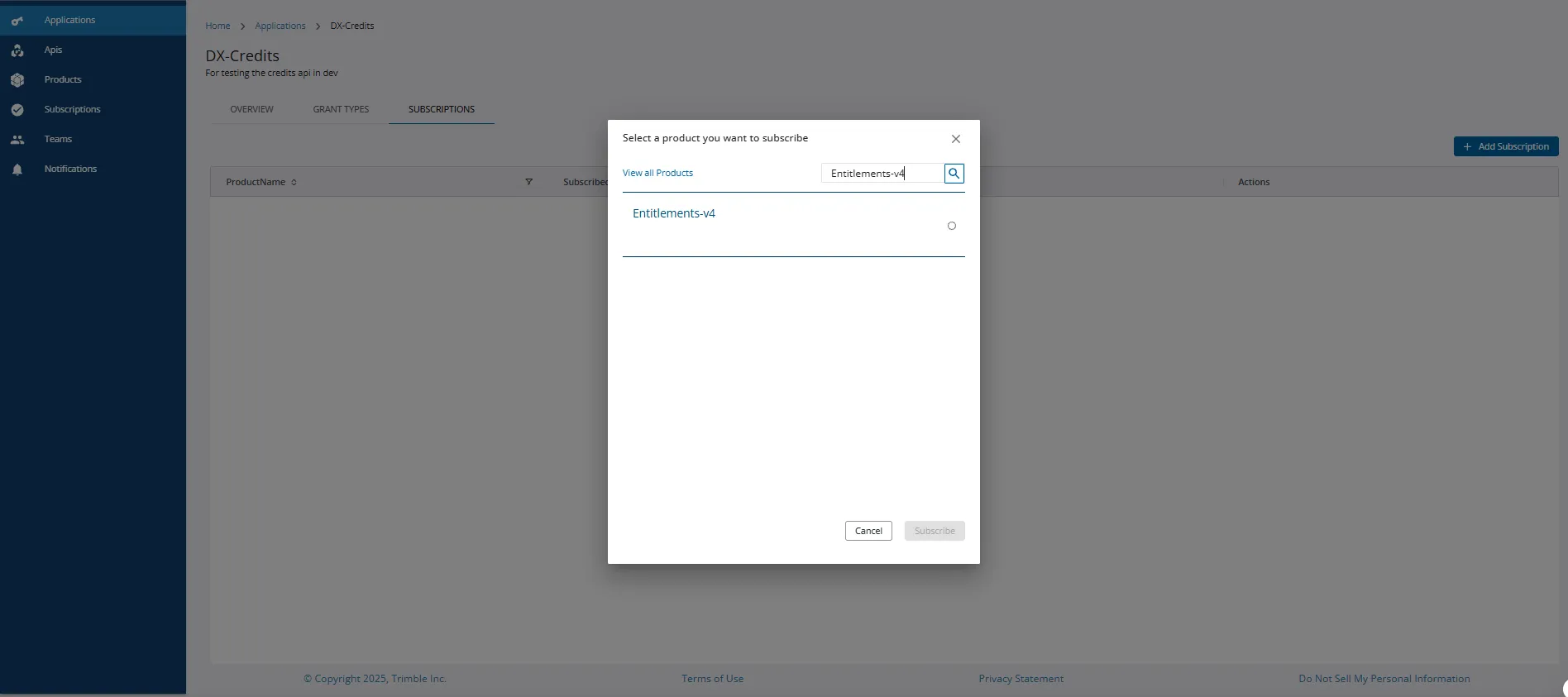
Subscribing to EMS v4 APIs
After successfully creating an application, you can perform the following steps to subscribe to EMS v4 APIs:
-
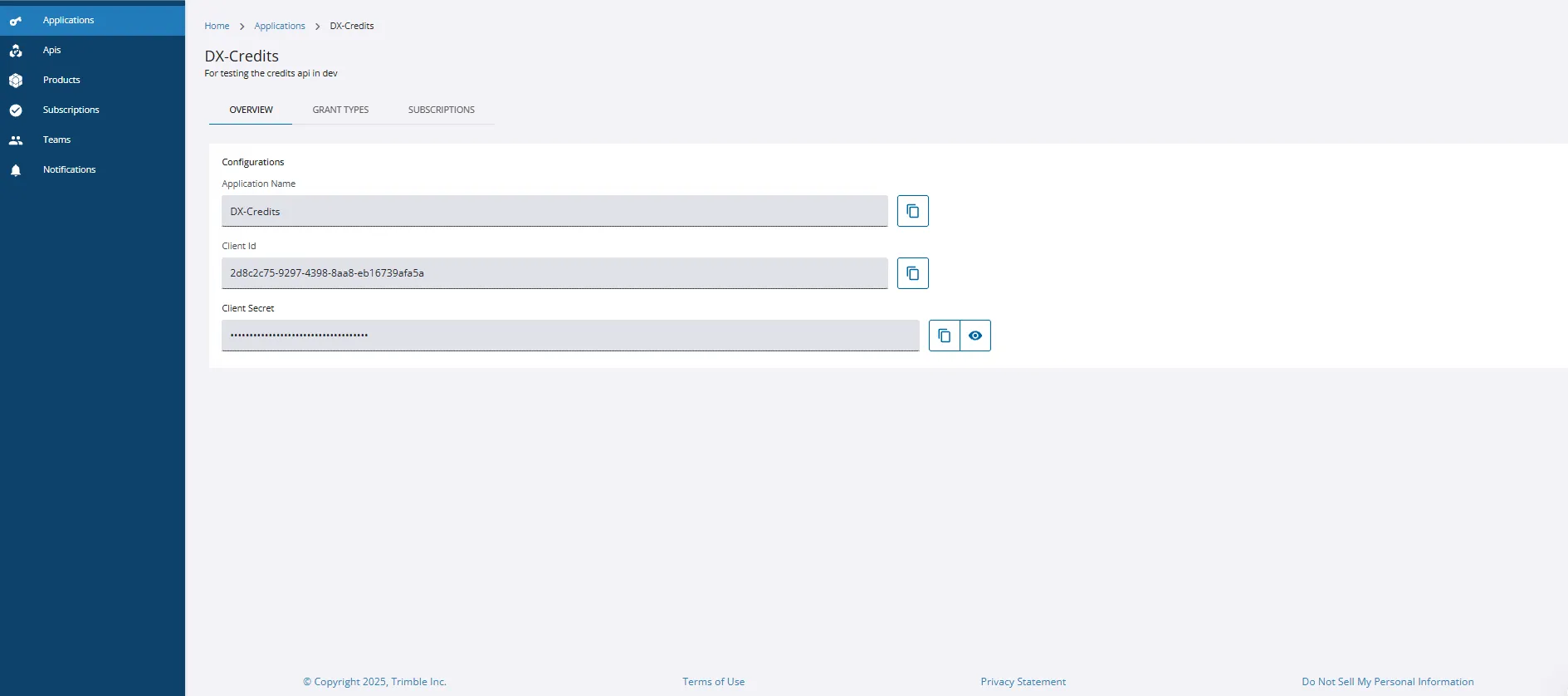
In the Applications screen, search and click on the application for which you wish to subscribe.
-
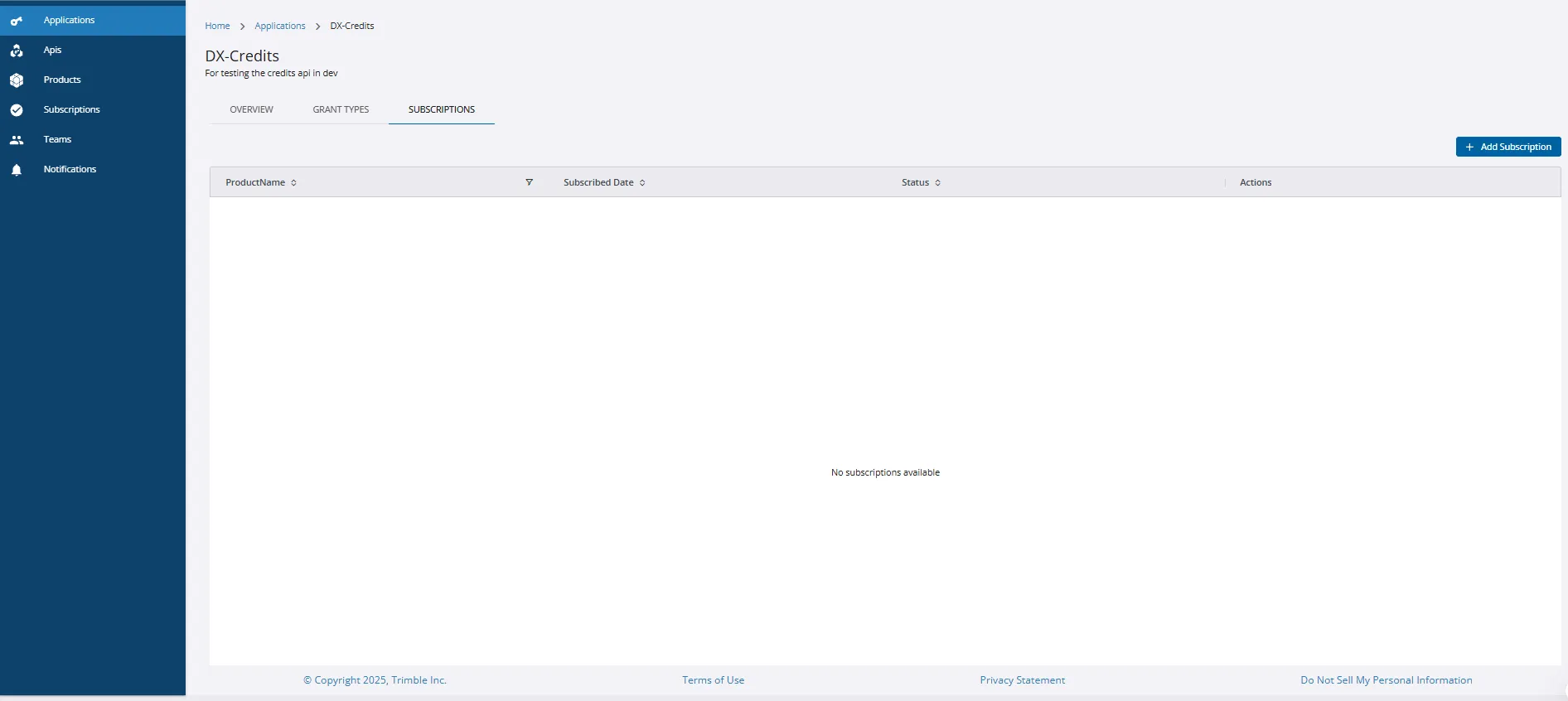
Navigate to the SUBSCRIPTIONS tab of the Applications screen.
-
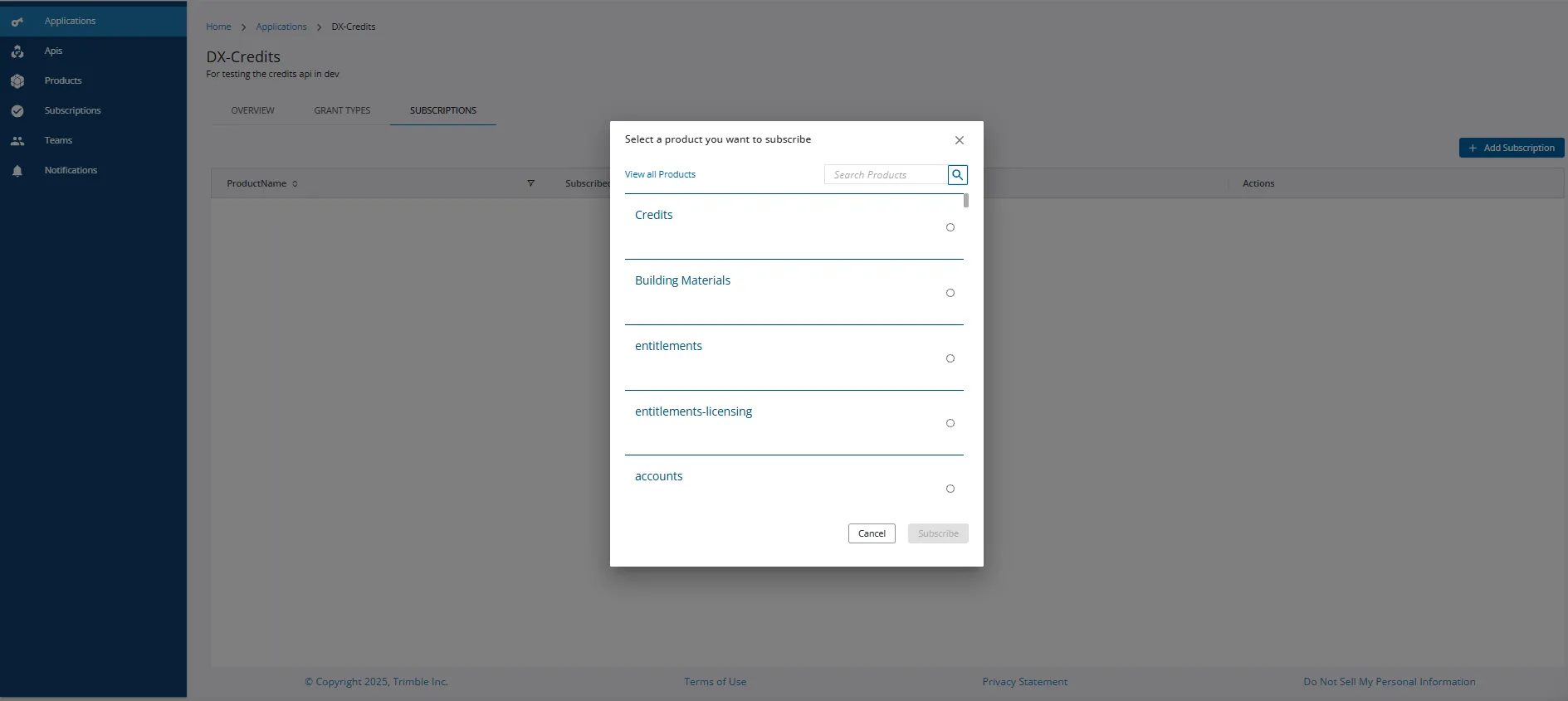
Click Add Subscription. A pop-up window with a list of products is displayed.
-
You can search for Entitlements-v4 from the list of products and click Subscribe to complete the product subscription process.