Creation of Trimble ID
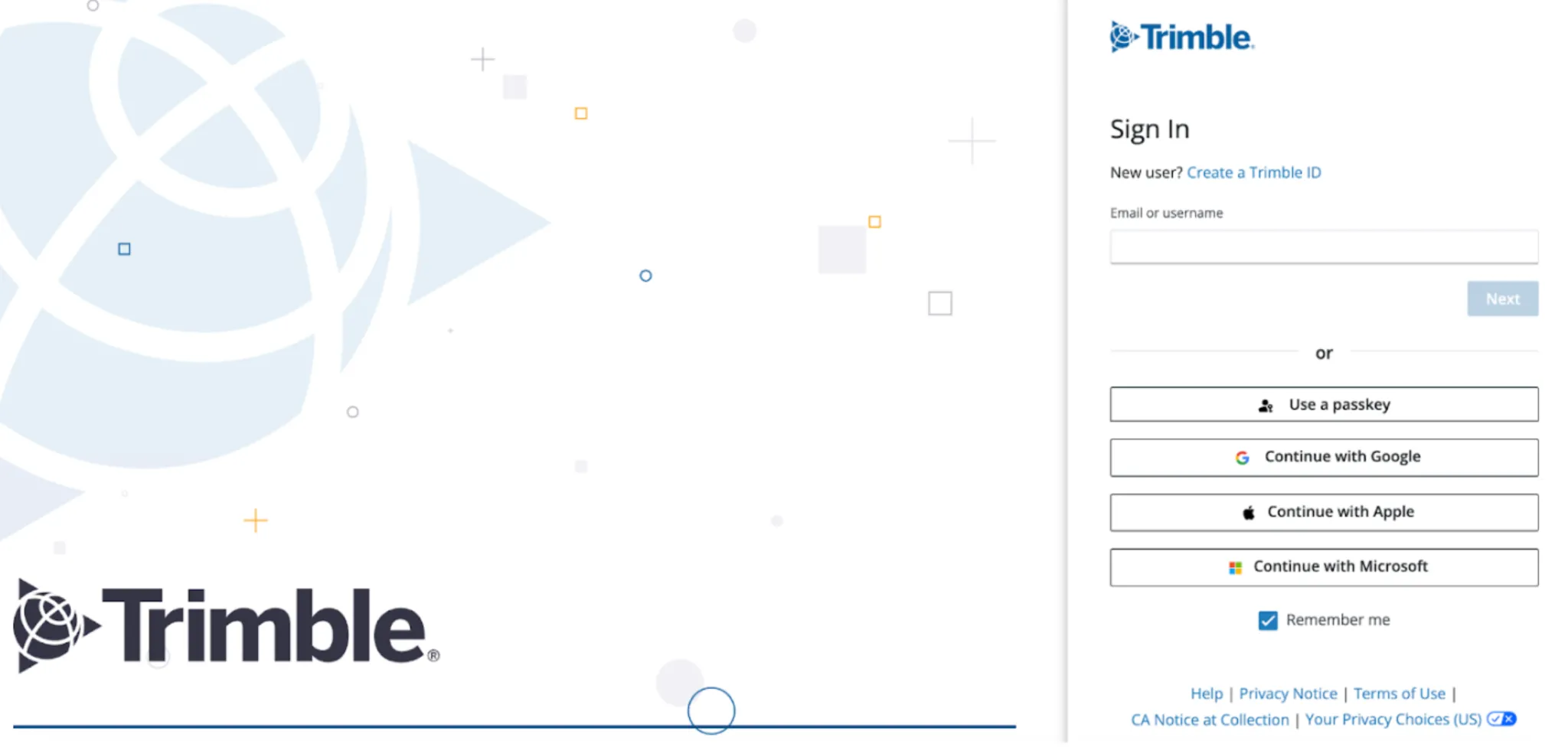
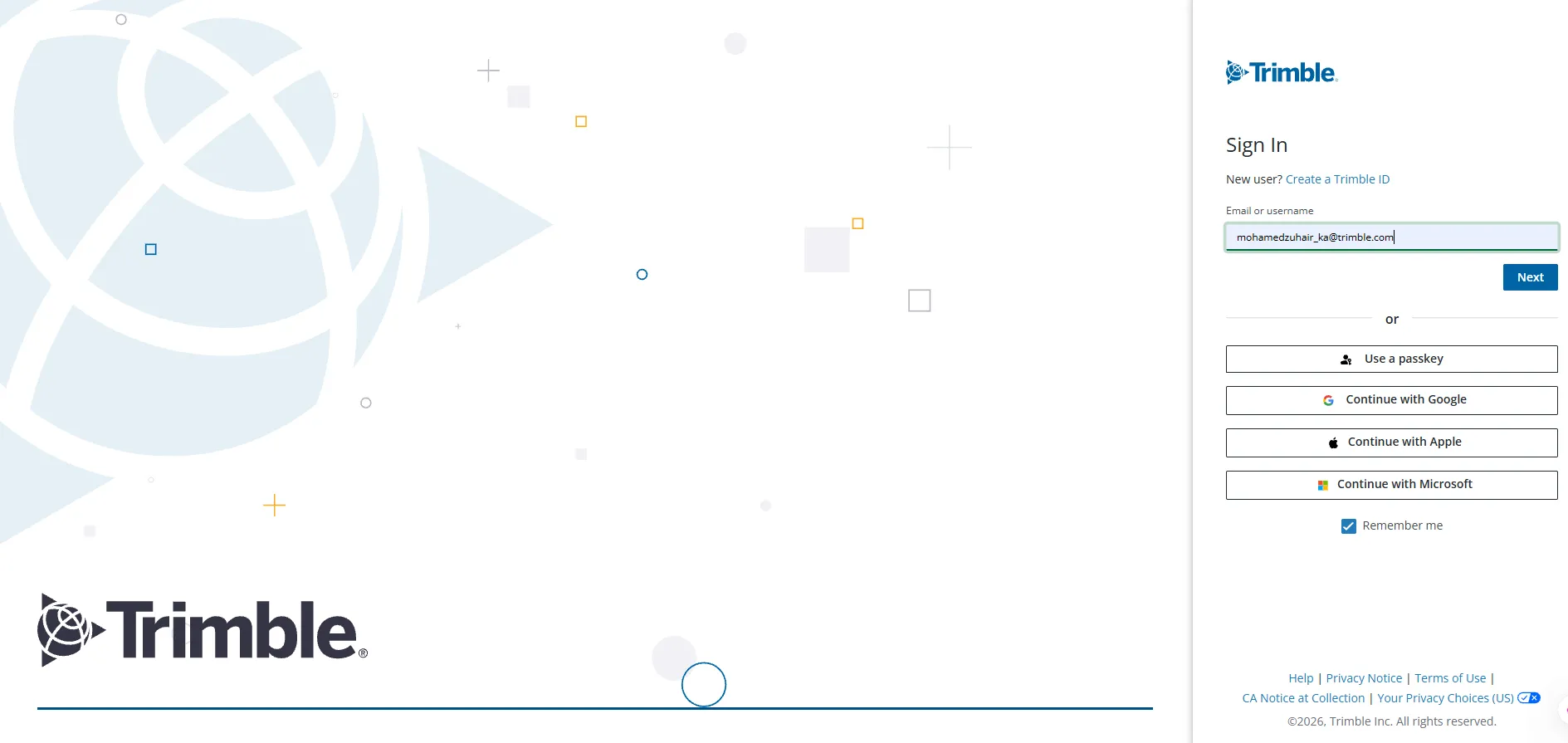
The user should have a Trimble ID to login to the Trimble Cloud Console. If you do not have a Trimble ID, create one using the Trimble Sign In Screen.
Perform the following steps to create a Trimble ID:
-
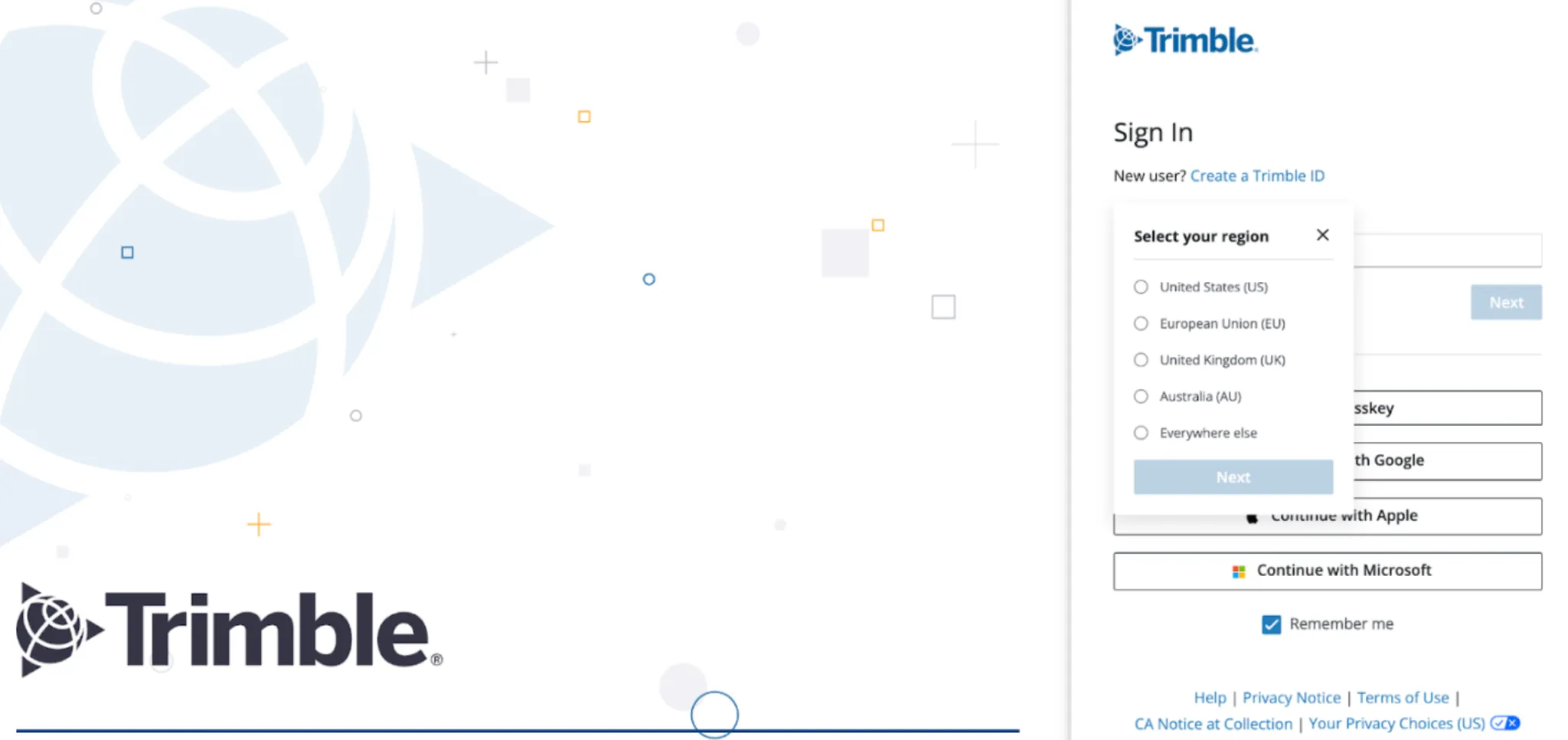
Click the Create a Trimble ID link. The Select your region drop-down is displayed.
-
Select the region and click Next.
-
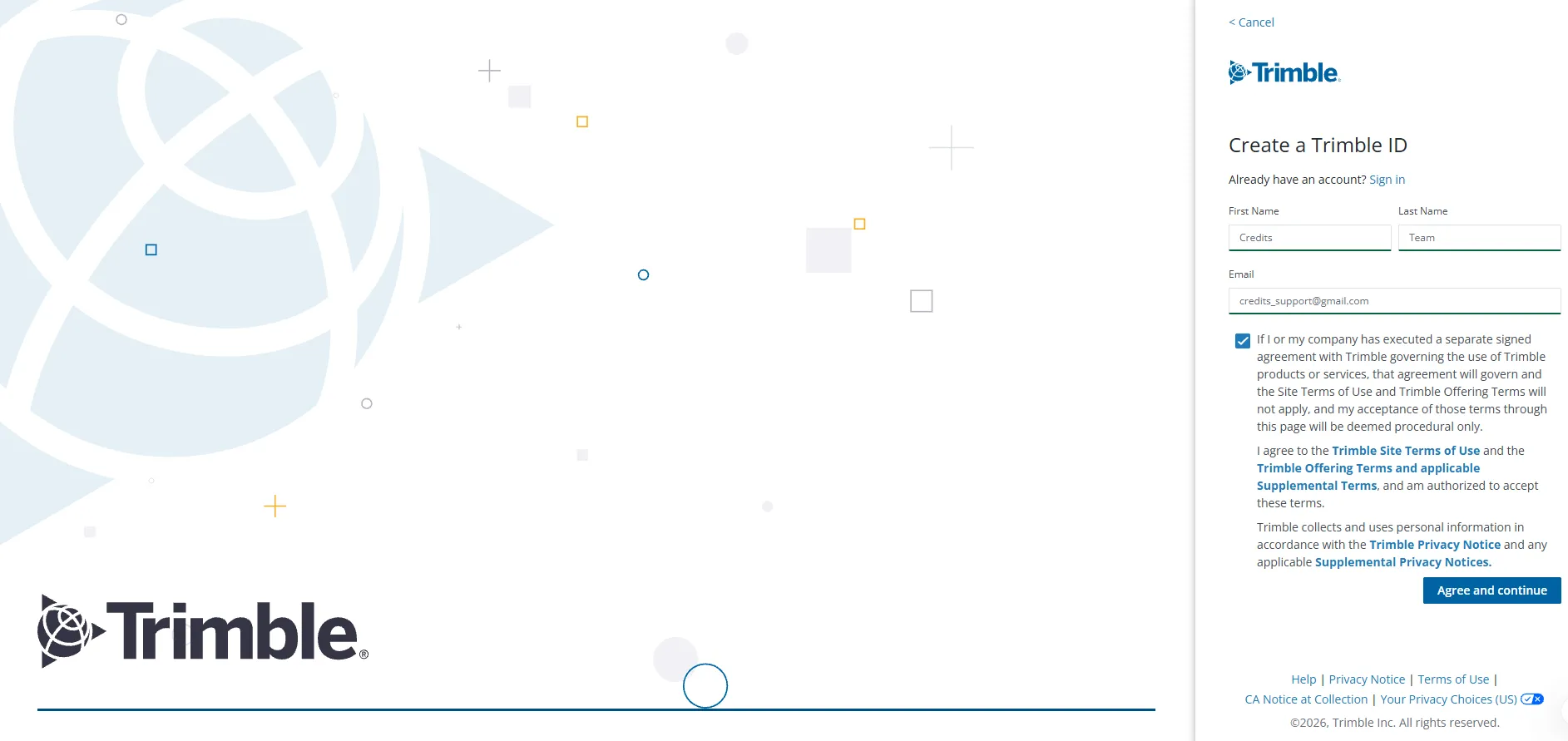
Enter your first name in the First Name field.
-
Enter your last name in the Last Name field.
-
Enter your email address in the Email field.
-
Select the check box in the Create a Trimble ID screen.
-
Click Agree and continue. The Sign In screen is displayed.
-
Enter your email address in the Email or username field.
-
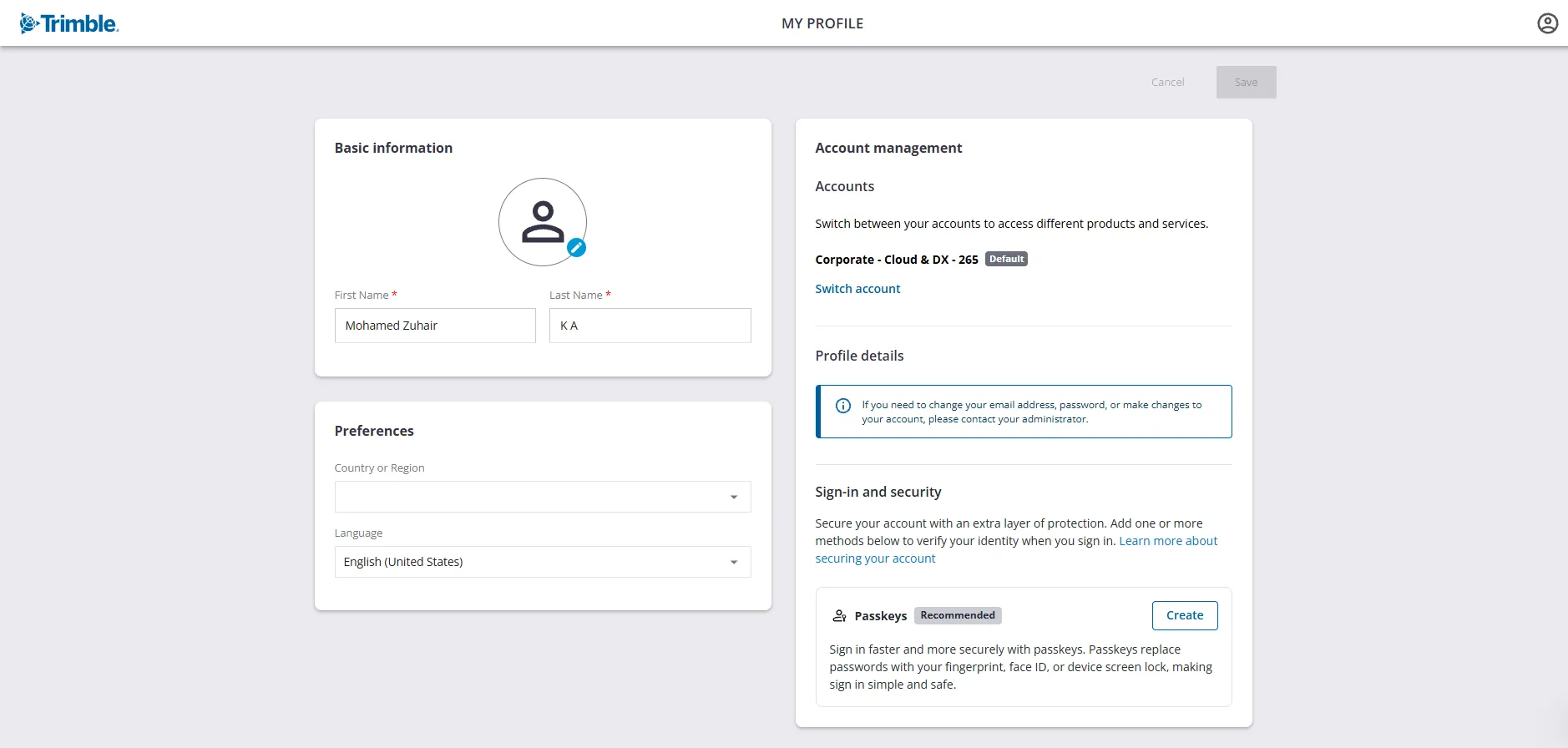
Click Next. The My Profile screen is displayed.