
Creating an Application via Trimble Cloud Console
To start using Trimble’s Entitlement Management System you need to create an application via Trimble Cloud Console. You can perform the following steps to create an application:
-
Login to the Trimble Cloud Console.
-
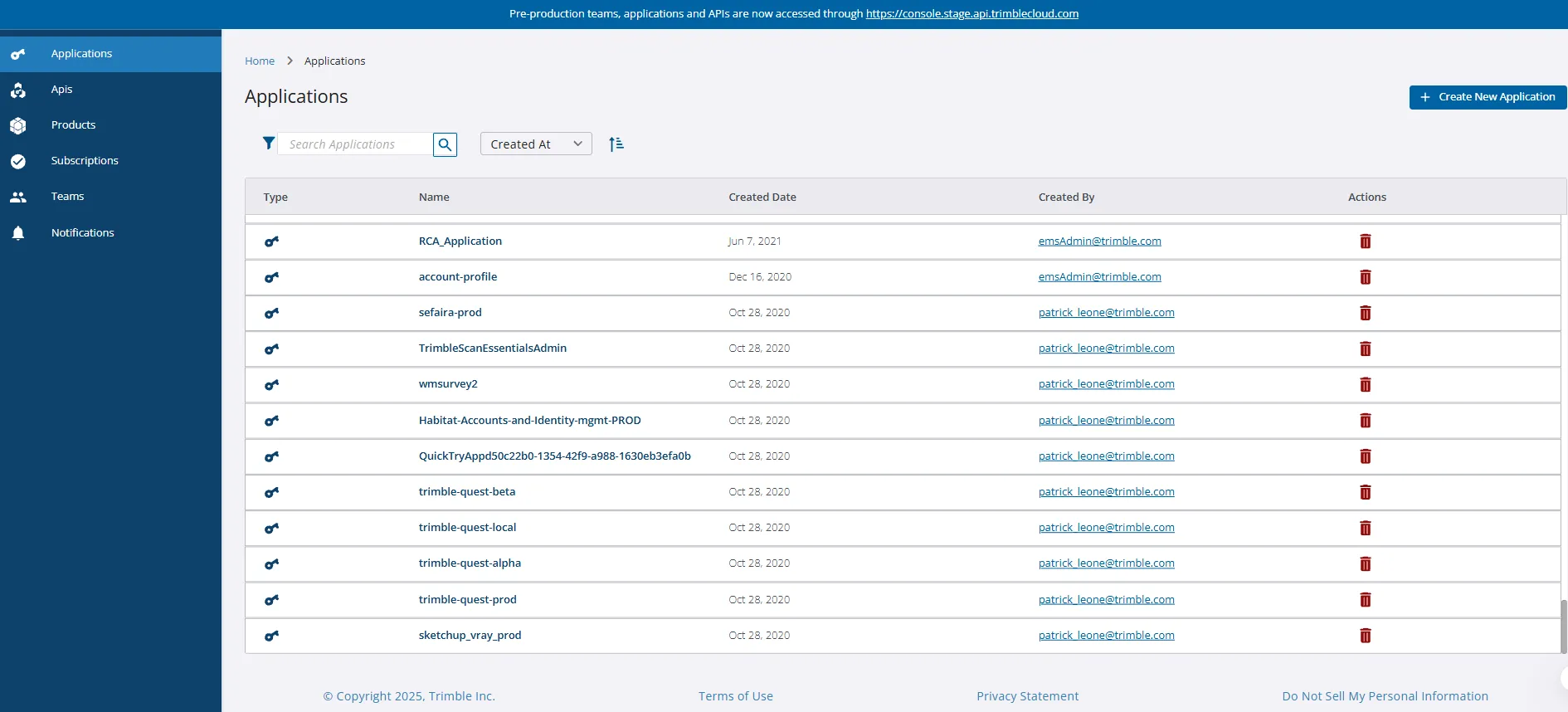
Click Applications on the left pane. The Applications screen is displayed.
-
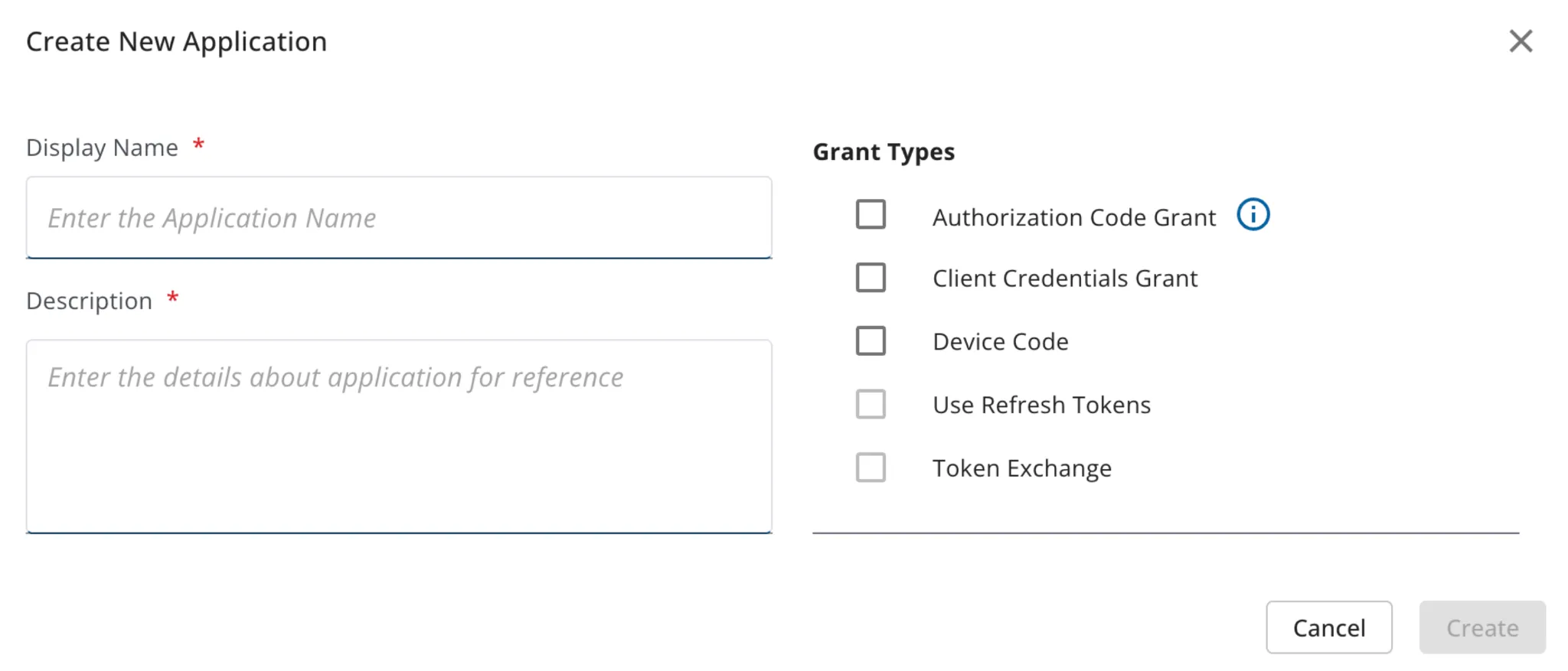
Click Create New Application. The Create New Application pop-up window is displayed.
-
Enter the required information in the respective fields and click Create. The newly created application will be displayed in the grid.